Getting Started With An Applicant Account
**Please note that it may take five to ten minutes before your email verification arrives. You may need to check your spam or junk folder after the set time. Please ensure you wait the full time and check your other folders before submitting a ticket.**
2. After your personal email address is entered, click the "Continue" button.

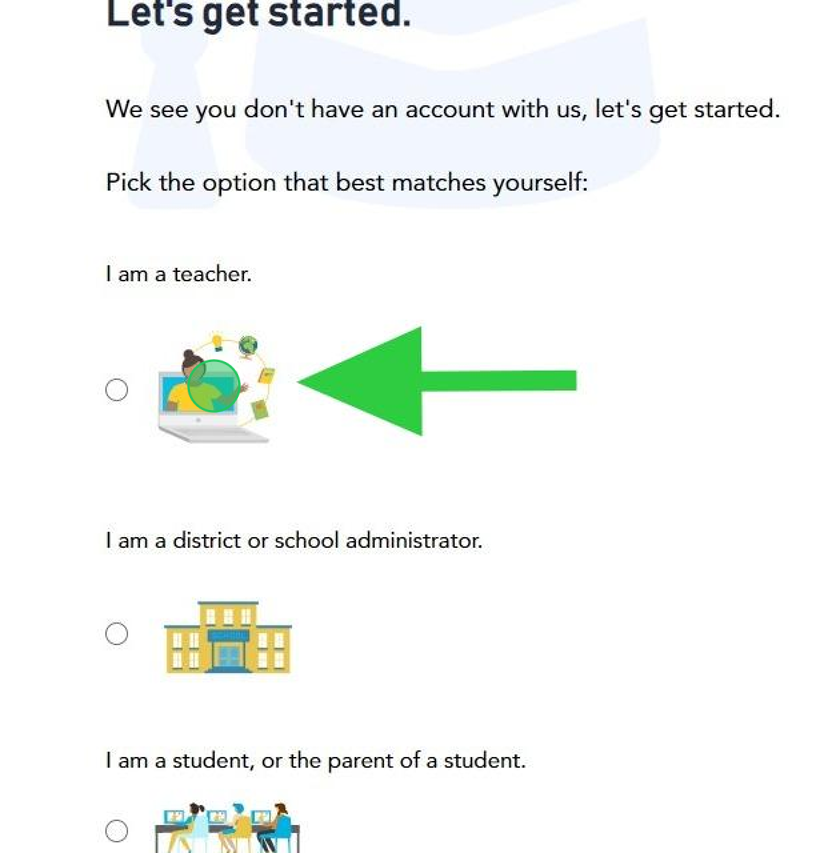
3. As an applicant for a teaching position, select "I am a teacher."
4. Select the appropriate answer for each question, then click the "Next" button.

5. Note: If 'yes' is selected for either question, please log in with your existing credentials. If you need help to retrieve your account, please submit a ticket so our Solutions Team can assist.
To prevent a new account from being created, the next button will not be available.

6. If you answered no to both questions, click the "Next" button.


7. Each field needs to be completed before the "Sign Up" button is available.
⚠️Alert!
Do not sign up for new account.
If you are given the "Duplicate accounts?" message, and the information provided is yours, please sign in with that account.
8. If given the "Duplicate accounts?" message, select the answer that applies to you, then click the "Submit" button.

Status of Application
Our team typically reviews applications within 24 - 72 business hours. You can also visit our Recruitment page to view current open roles that include the job description, pay, and benefits:
https://www.linkedin.com/company/recruitment-at-proximity-learning/?viewAsMember=true
If your application status says “reserve” or “pipeline,” please see the status classification below:
- Reserve: Your application may have been reserved due to not meeting our minimal availability requirements or working full time and/or being on contract with a school district
- Pipeline: We currently do not have any open roles that match your qualifications. When a role opens up that matches your qualifications, we will reach out to you!
If it’s been longer than 72 business hours, please submit a ticket and we’ll be happy to provide you with the status of your application.”
Interest in becoming a Teacher/Case Manager
If they are interested in becoming a teacher, case manager ( candidates typically look to apply for one role) or want to share their resume:
“Thank you for reaching out! We’re excited that you’re interested in working with us. We’d love for you to submit an application. Instead of resumes, we use our application process to get to know you as an educator and highlight your unique skills. By completing our single application, you’ll be considered for all roles that match your credentials, including our Case Manager position.
You can start an application here: https://proxlearn.pliconnect.com/
Interested in Roles outside of teaching or Case managing
“Thank you for reaching out! While we are currently do not have any roles that align to what you are looking for, we recommend that you take a look at our partner companies:
For Subbing, Support staff and Paraprofessional roles, take a look at ESS: https://ess.com/apply/
For Counselors Psychologist, Nurses, Social workers etc, take a look at PSI: https://psi-solutions.org/wp-content/plugins/bullhorn-oscp/#/
For Corporate role at Proximity Learning, Take a look at our Linkedin: https://www.linkedin.com/company/proximity-learning/jobs/
Not wanting to add SSN
We take data security very seriously and have strict measures in place to protect your Social Security number. Our HR team is the only team that has access to this information. We request it as part of your application so that, if you are recommended for hire, we can create your profile and help prevent duplicate accounts.
Please note, our clients may request your SSN in order to complete licensing requirements in their state.
Related to